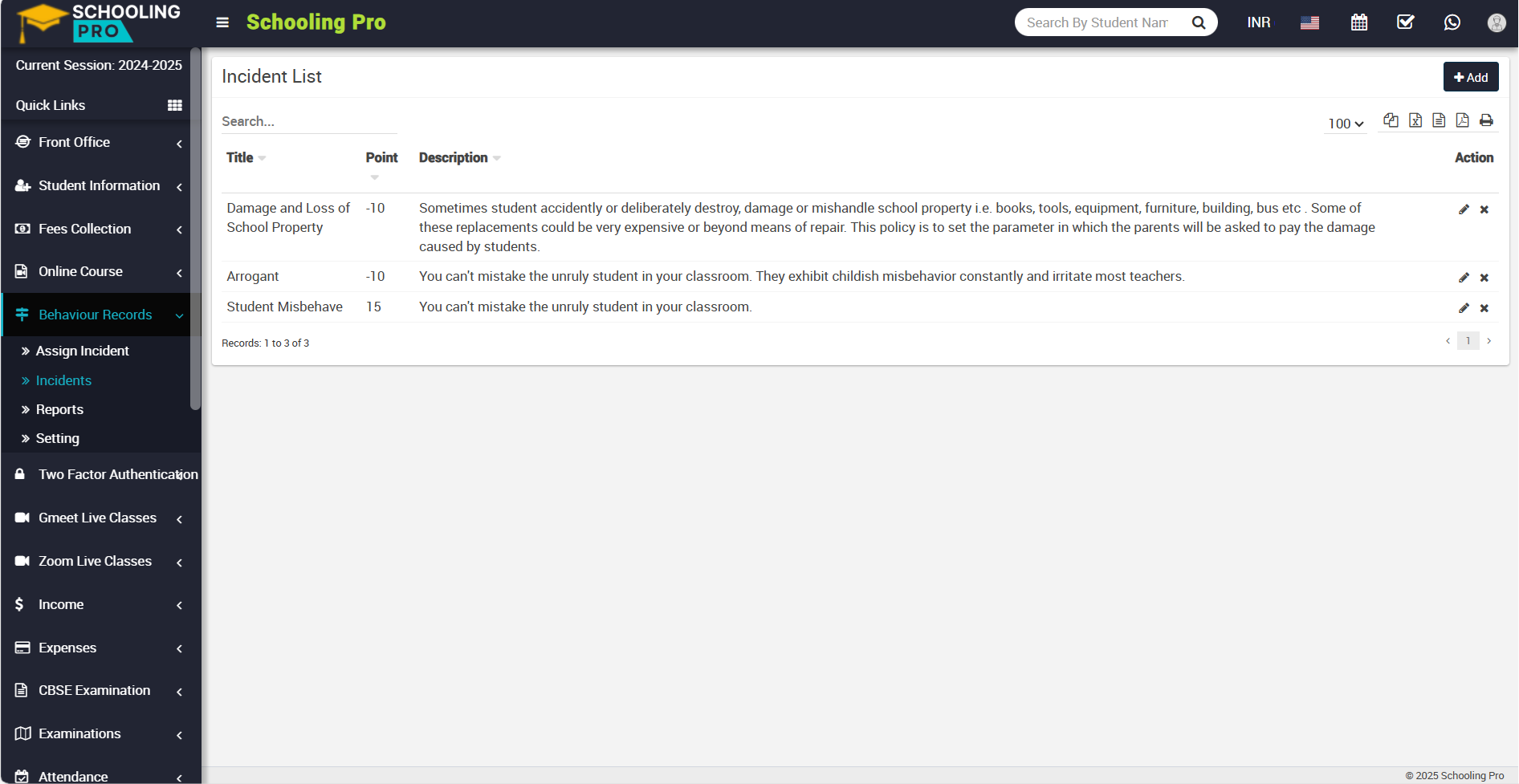
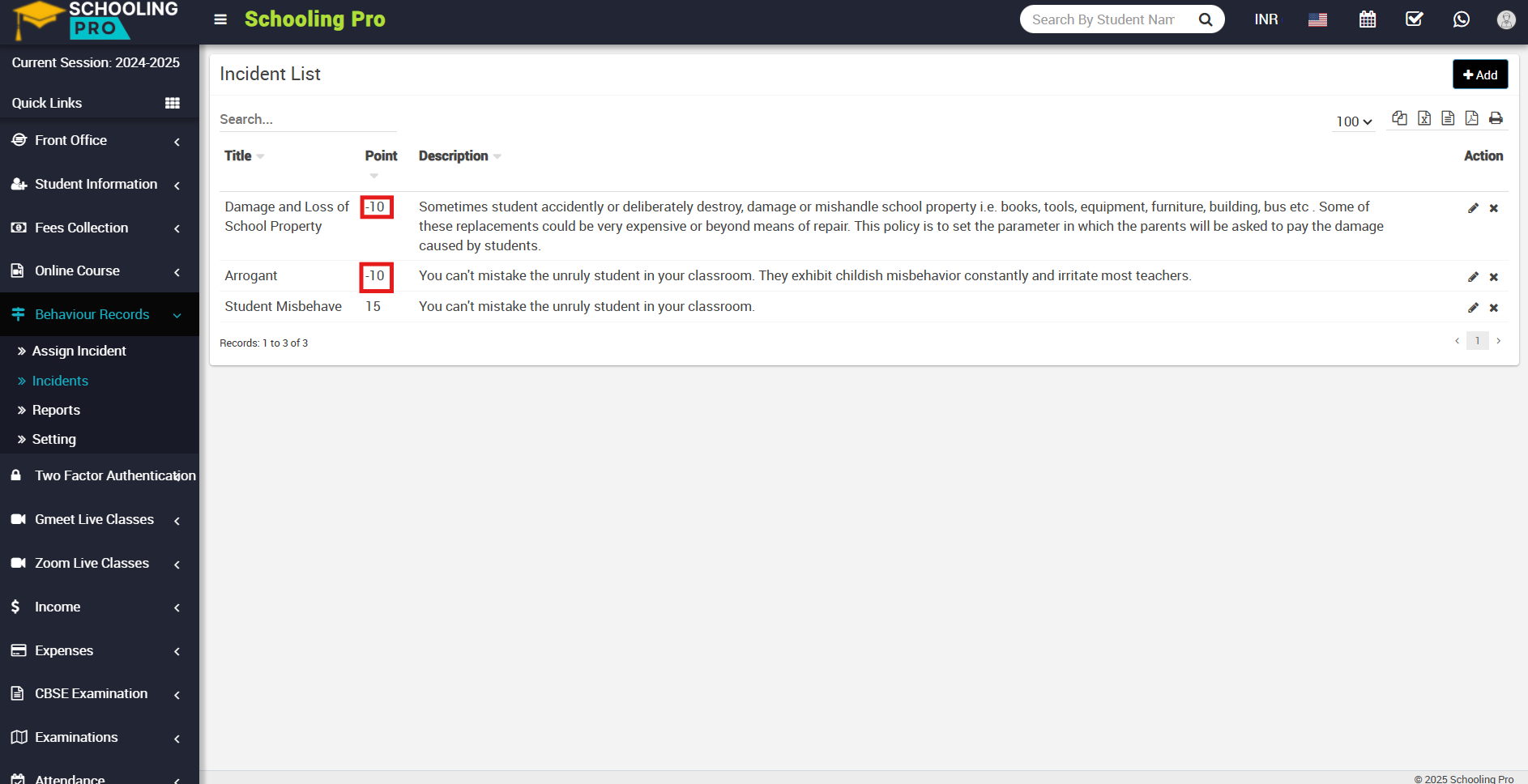
To add the incidents, go to the Behaviour Records > Incidents. The incident list page will be open, and now in the top right corner you can see the +Add button showing. With the help of this button, you can add the incidents.
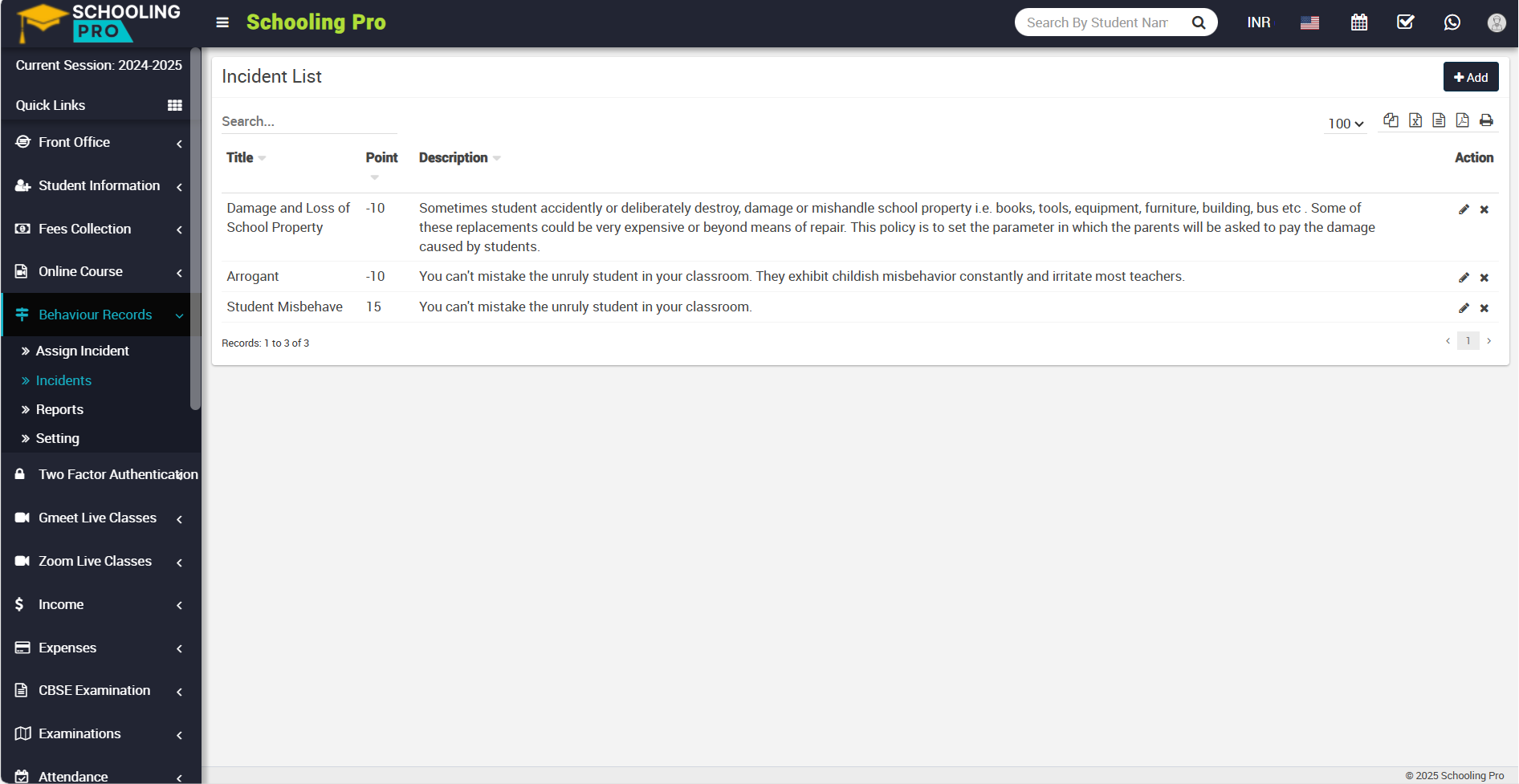
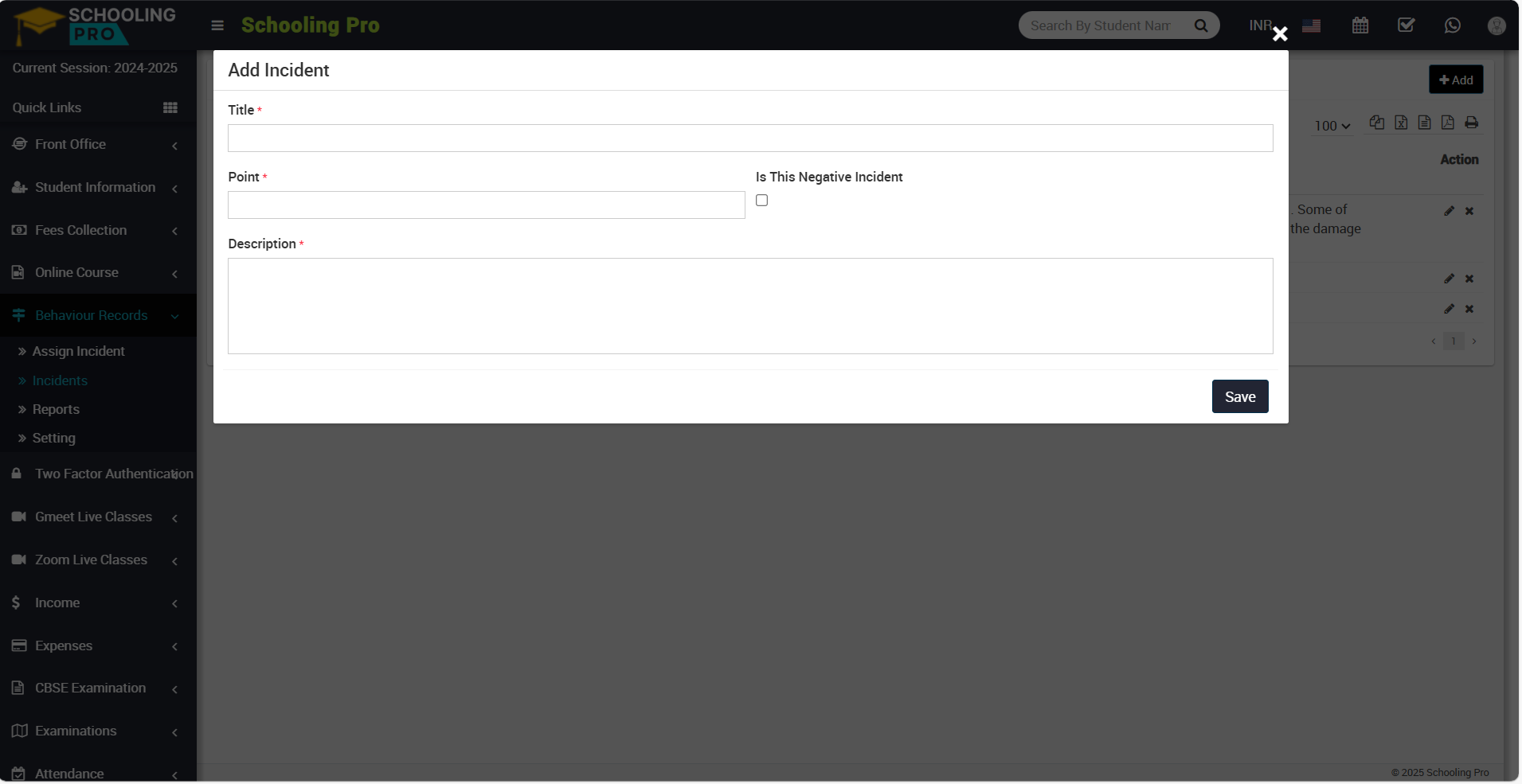
Now, click the +Add button to open the Add Incident modal.
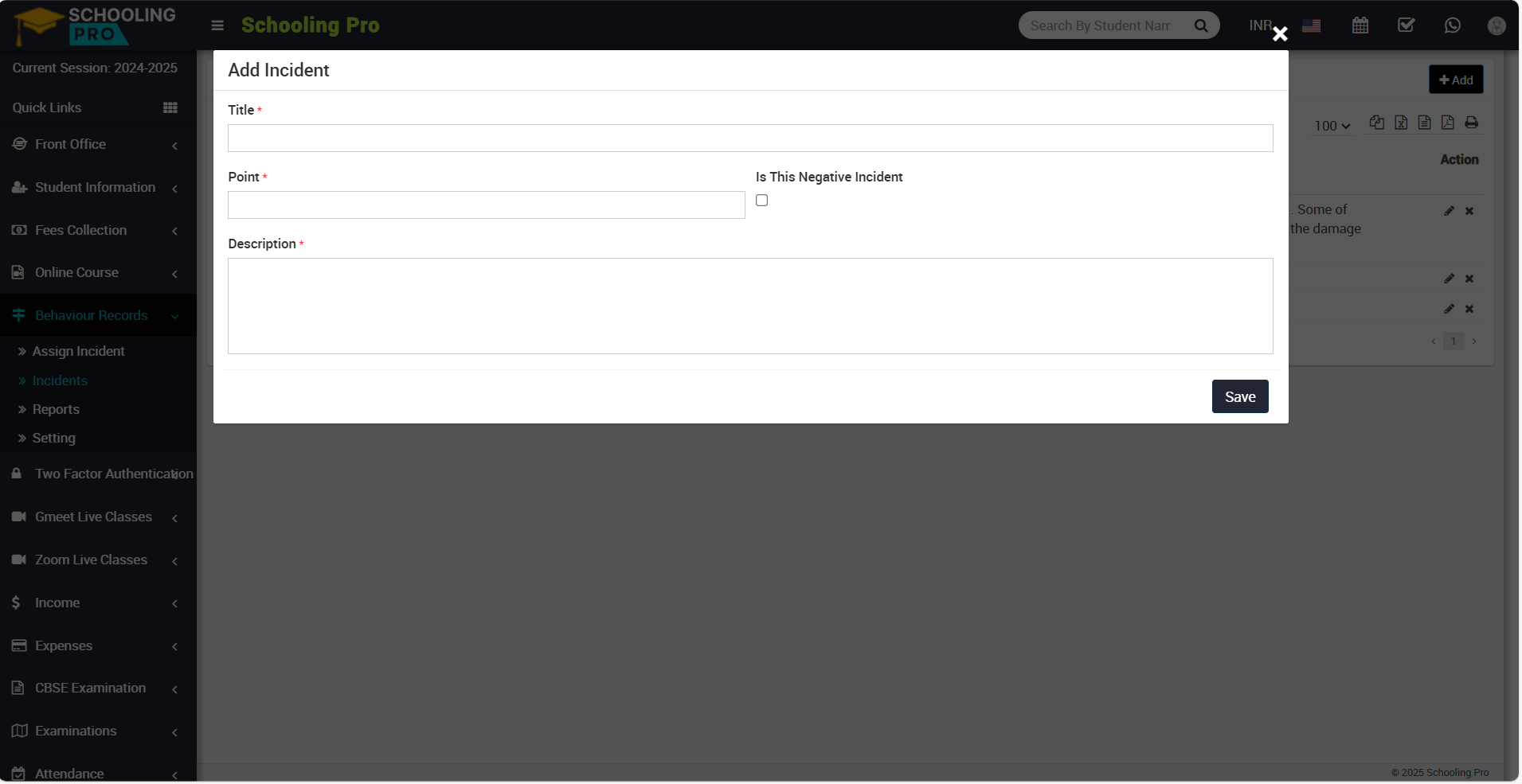
Now you can see mandatory options to fill out (Title, Point, and Discription).
Title: Fill in the name of the incident in the title field.
Point: In points, you can fill in the points according to the incidents, whether they are positive or negative. If the incident was positive, you could award positive points of 10, 15, 20, and so on.
Is This Negative Incident: If the incident is negative, check the box to give it negative points Example: -10, -15, and -20, etc.
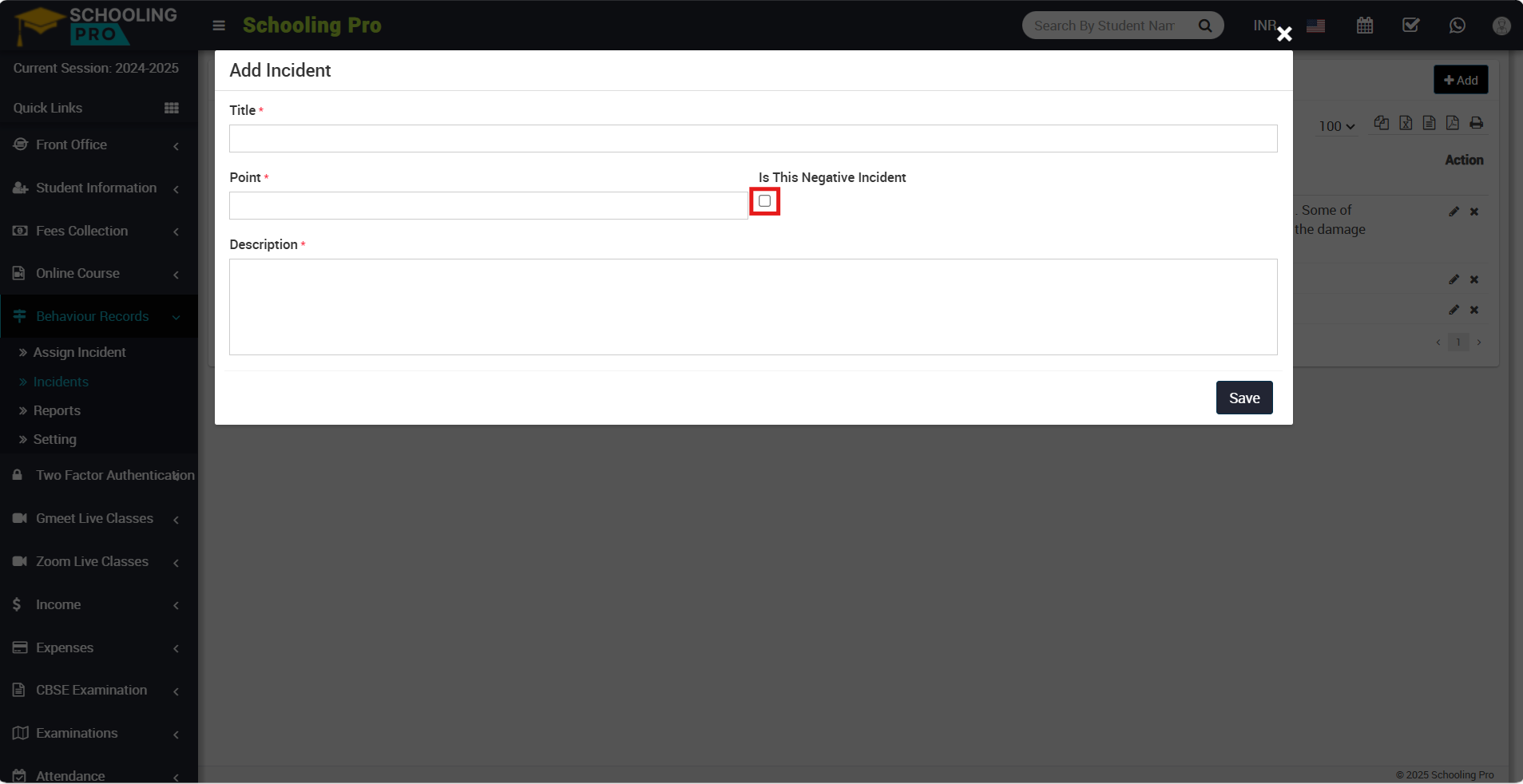
And in the incident list, you can see the negative incidents.
Description: Here, you can write a detailed overview of that incident.
After filling out all of the incident details, click the save button in the bottom left corner.
By clicking on the save button, your details will be saved, and you can see saved details in the incident list.