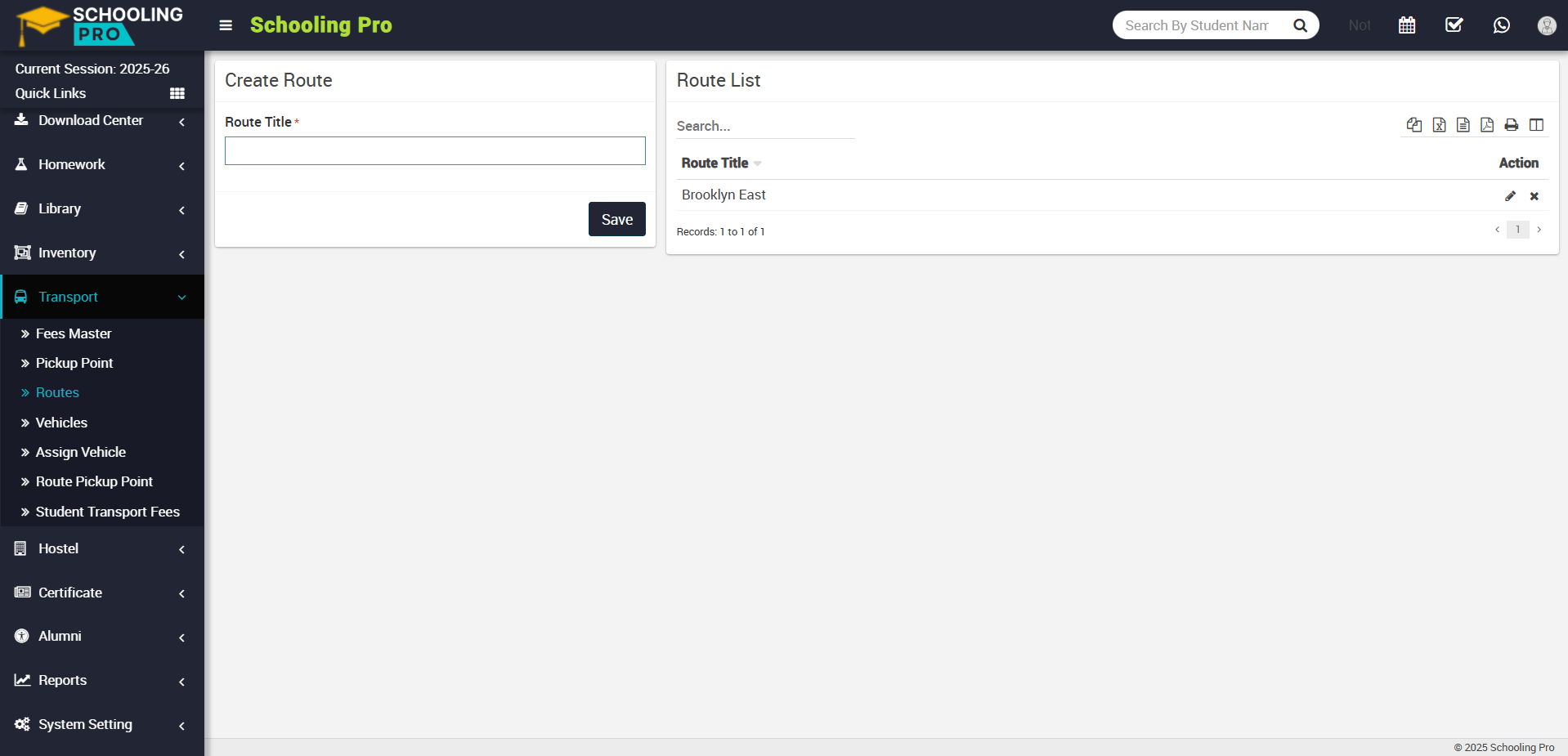
To create routes, go to Transport > Routes. Here you can create route by fill the name of route in route title and click on save button, your created route will be show in route list.
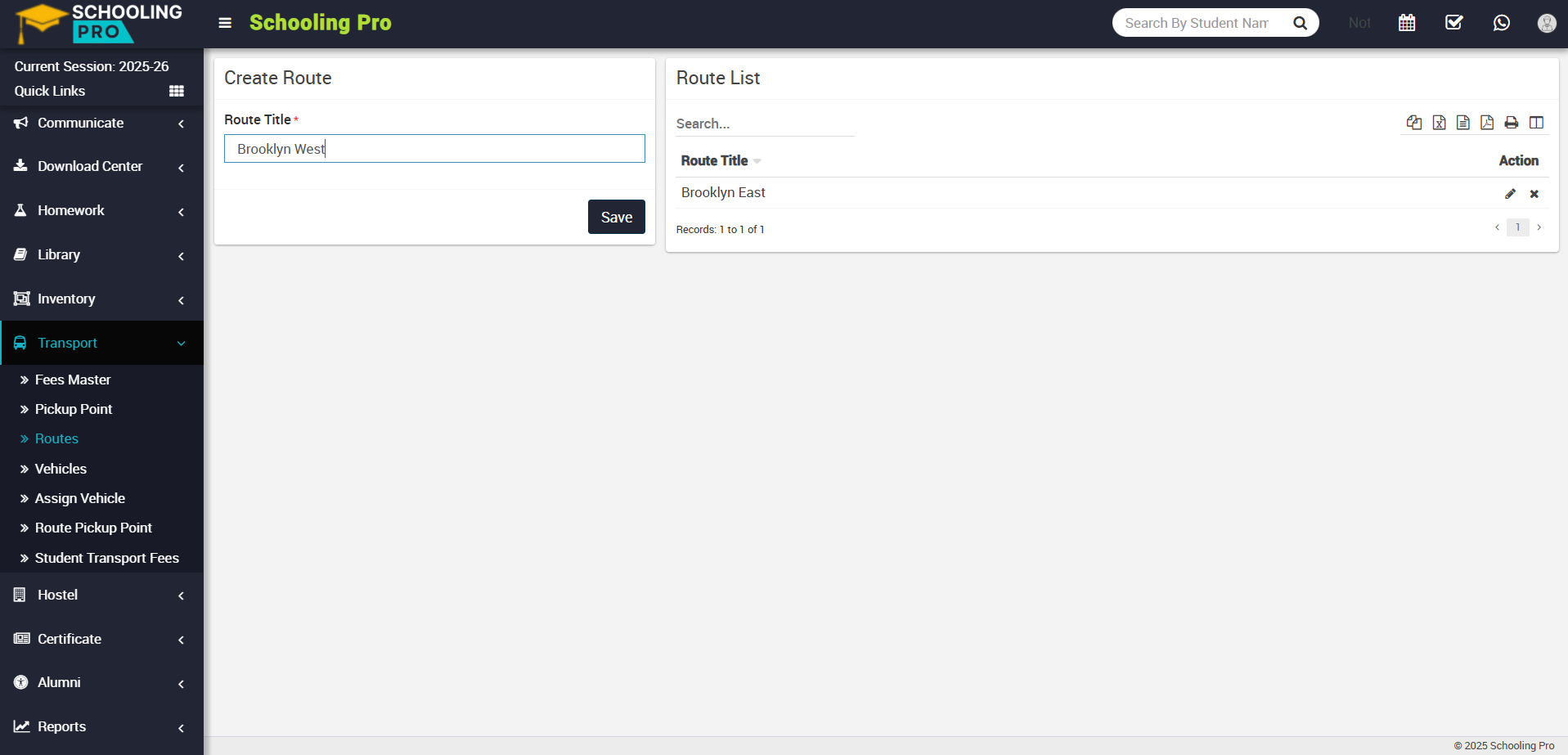
To edit route, click on the Edit icon showing in action column, edit route model will appear, now update the route and click on save button, your update will be change successfully.
To delete the created route, simply click on the Delete icon in the Action column to delete a route, a confirmation model will appear.
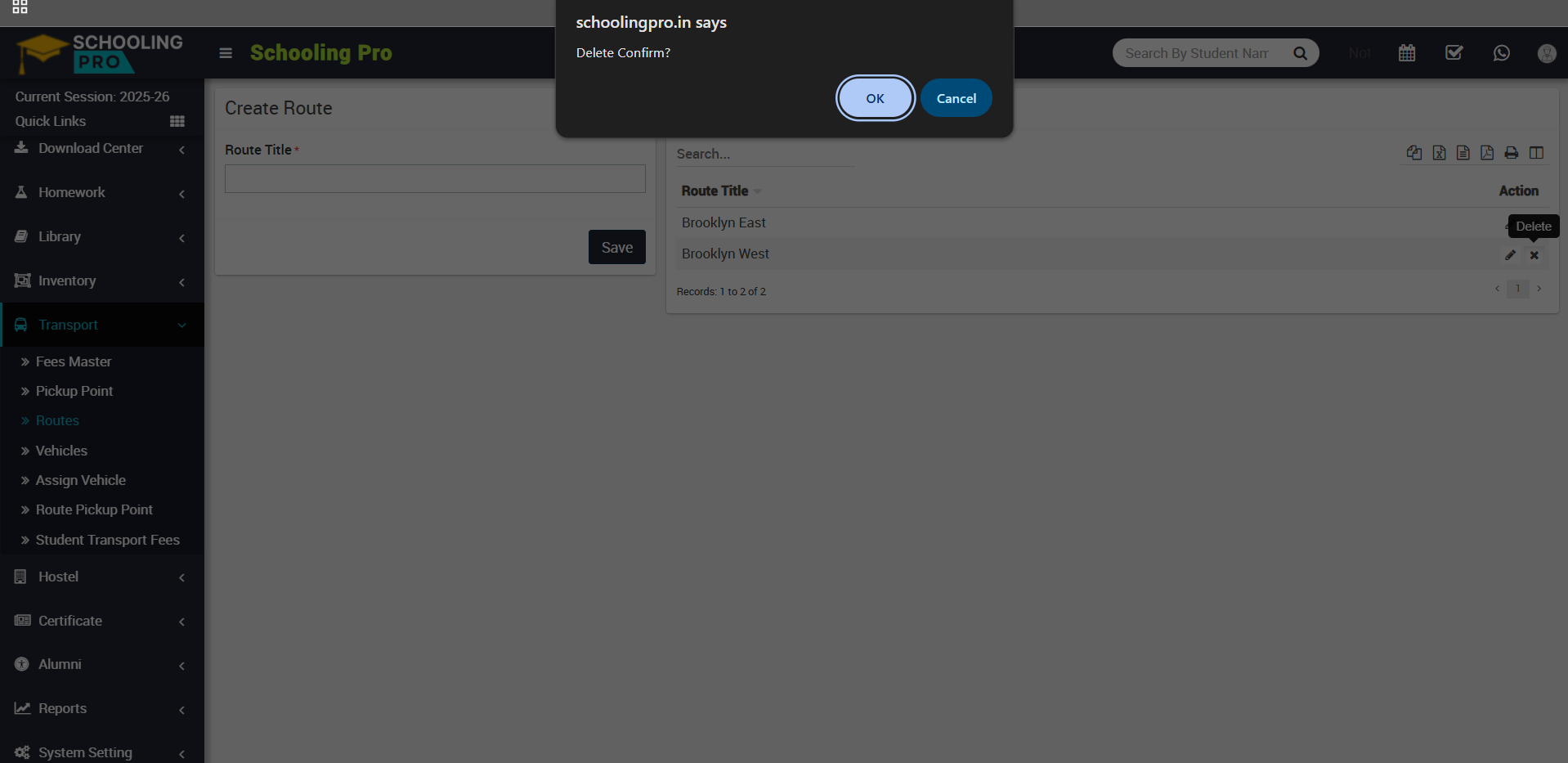
Now click on the OK button, and your route will be successfully deleted.
